Read music like words. Type & learn piano with Pianotype

How it works
Start at your own pace
Download Pianotype, choose a difficulty and start practicing right away. There are no lengthy theory lessons.
Learn by practicing
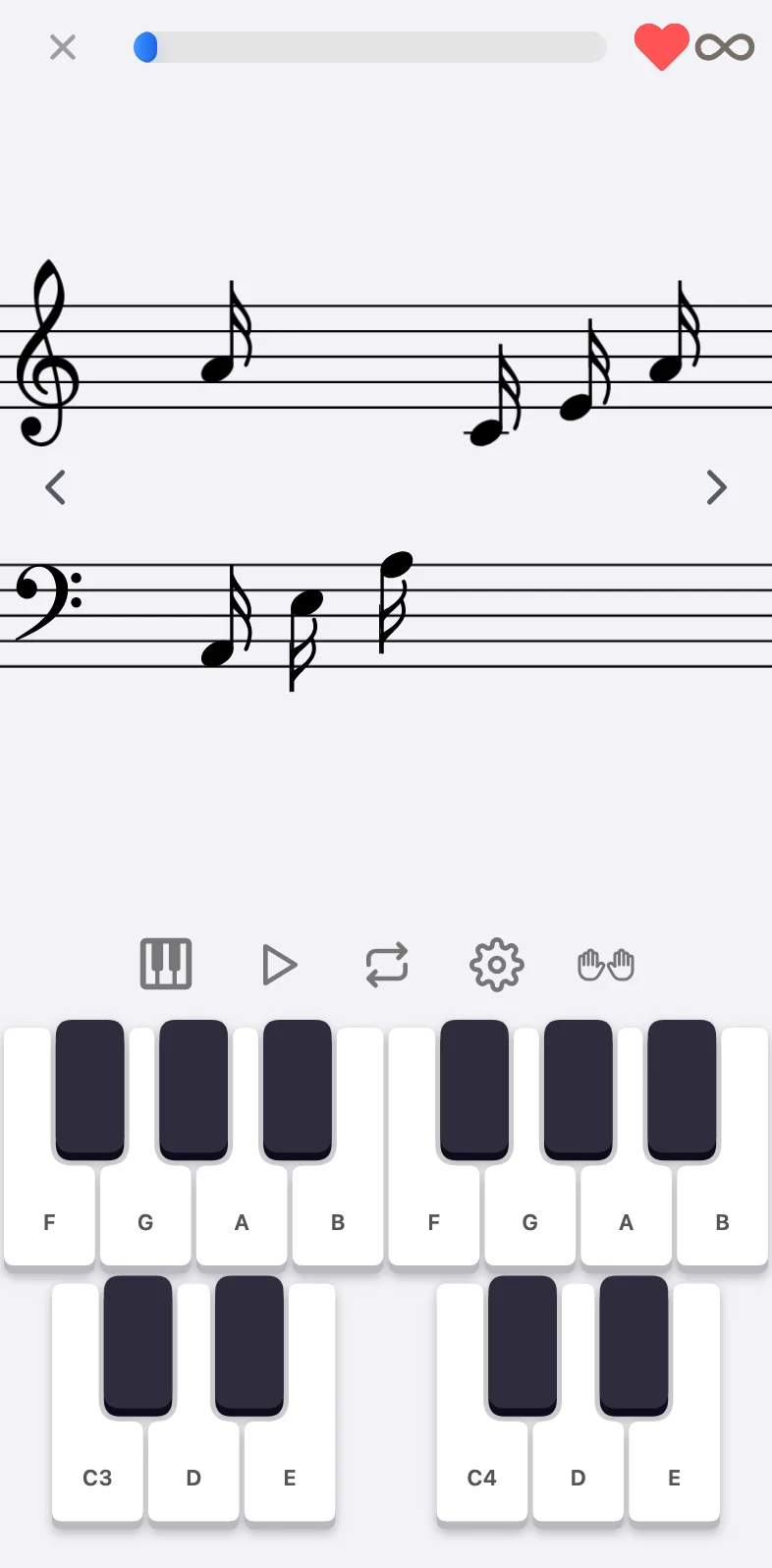
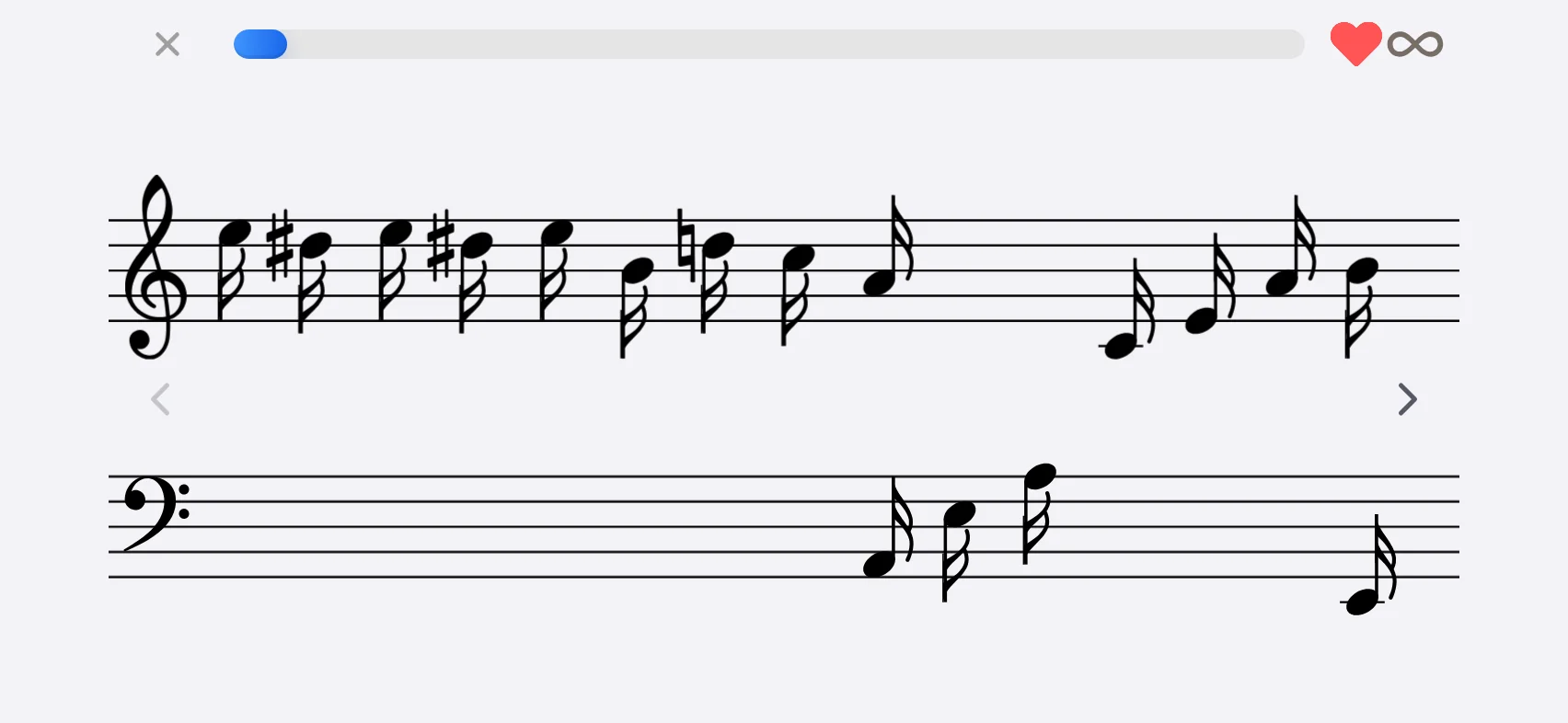
Pianotype shows you the notes, and you find them on the keyboard. Practice to gradually build your understanding of notes.
Build a skill
Regular practice helps you recognize notes faster and turn knowledge into a lasting skill. Pianotype adapts to your level and helps you progress step by step.
Try it here
Read each note and play it on the keys. Missed notes come back for another try.
Play the note under the arrow: click its key or type A S D F G H J K.Tap the key for the note under the arrow.
Not a single mistake! Now try playing real pieces in Pianotype.
You got it right! Pianotype will bring back what’s still tricky more often, so you can get better at it.
Any piano. Or no piano at all.
Learn on the train, play on your piano at home. Your practice goes where you do.
On the screen
Tap the keys right on your iPhone or iPad. No instrument needed.
On your own piano
Play any acoustic or digital piano, with your phone on the music desk. Pianotype uses your microphone to recognize the notes as you play.
On a MIDI keyboard
Connect a keyboard by USB or Bluetooth, and every key you press counts.
Pianotype adapts to your progress
The app tracks your progress and tailors your practice to your skills. Challenging exercises come back more often until you can handle them with confidence. What you’ve already mastered takes up less of your time, so you can focus on what needs more practice and gradually improve your sight-reading skills.
Complete a few exercises to get detailed insights into your skills
The music you came for
Explore 400+ piano pieces, from Bach and Mozart to Satie and Joplin. Find music for every skill level, from easy to hard, in the Pianotype library. Want to play something of your own? Import your sheet music in MusicXML, MIDI or ABC format and start practicing.
- Gymnopédie No. 1Erik Satie, 1888easy
- Prelude in E minor, Op. 28 No. 4Frédéric Chopin, 1839easy
- Sonata in C, K. 545, first movementWolfgang Amadeus Mozart, 1788easy
- Für EliseLudwig van Beethoven, 1810medium
- Prelude in C, BWV 846Johann Sebastian Bach, 1722medium
- “Moonlight” Sonata, first movementLudwig van Beethoven, 1801medium
- Nocturne in E-flat, Op. 9 No. 2Frédéric Chopin, 1832medium
- The EntertainerScott Joplin, 1902medium
- Clair de luneClaude Debussy, c. 1890hard
- Dance of the Sugar Plum FairyPyotr Ilyich Tchaikovsky, 1892hard
Practice for everyone
Just starting?
Learn to read music one note at a time. Find each note on the staff and match it to a piano key. Start playing from your very first session.
Coming back?
Your sight-reading skills may come back faster than you think. Start with what you still remember, and let Pianotype help you rebuild from there.
Already playing?
Bass clef, ledger lines, both hands, chords. Keep your sight-reading sharp with exercises that adapt to your skill level.
Questions
What is Pianotype?
Pianotype is a trainer for anyone who wants to learn to read music and play the piano. The app puts practice first and helps you learn to read music faster. A smart algorithm adapts your practice to how you play and to your skill level.
How will Pianotype teach me to play the piano?
Pianotype teaches through practice, not theory. You see a note on the screen, play it (on the on-screen keyboard, a real piano or a MIDI keyboard), and the app checks it right away. Exercises adapt to your level: what you already know well comes up less often, and new exercises open once you have mastered the previous ones. Step by step, you go from your first note to real pieces of music.
What teaching method does Pianotype use?
Pianotype is built on varied, adaptive practice. First, the app helps you learn the notes and where they are on the keyboard. Then it keeps bringing them back in exercises, in different combinations, giving more time to what is still hard for you and less to what you already know well.
Practicing on the on-screen keyboard complements playing a real piano: you learn to recognize notes quickly without being distracted by technique, and you can practice anywhere, anytime. A smart algorithm adjusts the difficulty to your level. And when you sit down at the piano, the notes are already familiar, so you can focus on your hands and the music itself.
Can I use Pianotype for free?
Yes, you can learn with Pianotype for free. Every exercise and difficulty level is open to everyone. A free session lasts 5 minutes, and the next one opens 45 minutes later.
A PRO subscription removes the time limits, adds 10- and 20-minute sessions and lets you play every piece in “Music” from start to finish.
Do I need a real piano or a synthesizer to practice?
No. You can learn to play right on the screen of your phone or tablet.
If you want to practice on a real piano or a synthesizer, during a session:
- Tap the piano button on the left of the control panel. The “How you play” window opens.
- Choose the way that suits you:
- On-screen keyboard — play right on your device.
- Microphone — the app recognizes the notes you play through the microphone. It works with an acoustic piano or a synthesizer.
- MIDI keyboard — connect your synthesizer over USB or Bluetooth, and this mode turns on by itself. It is the most accurate and fastest option, since background noise does not affect it.